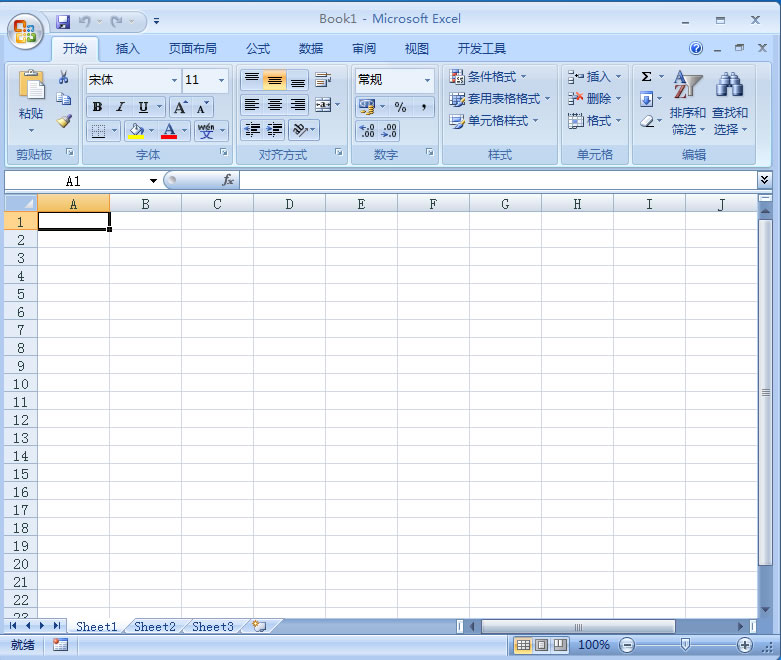
Excel
Python中导入excel需要安装 openpyxl 或者 xlrd 这两个库。其中,openpyxl 可以读取和写入.xlsx文件,而 xlrd 可以读取.xls文件。
使用 openpyxl 读取.xlsx 文件的步骤如下:
1.安装openpyxl库
Python
pip install openpyxl
2.导入openpyxl库
Python
import openpyxl
3.打开excel文件
Python
wb = openpyxl.load_workbook('example.xlsx')
4.获取工作表(worksheet)对象
Python
sheet = wb['Sheet1']
5.获取单元格(cell)对象
Python
cell = sheet['A1']
6.获取单元格的值
Python
value = cell.value
使用 xlrd 读取.xls文件的步骤如下:
1.安装xlrd库
Python
pip install xlrd
2.导入xlrd库
Python
import xlrd
3.打开excel文件
Python
wb = xlrd.open_workbook('example.xls')
4.获取工作表(worksheet)对象
Python
sheet = wb.sheet_by_index(0)
5.获取单元格(cell)对象
Python
cell = sheet.cell(0, 0)
6.获取单元格的值
Python
value = cell.value
Copyright © 2025 IZhiDa.com All Rights Reserved.
知答 版权所有 粤ICP备2023042255号