
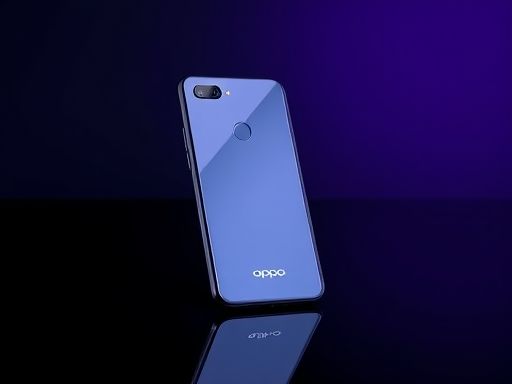
OPPO
1. Using HDMI Cable: You can use an HDMI cable to connect your OPPO phone and TV. Simply plug one end of the HDMI cable to your phone and the other end to your TV's HDMI port.
2. Using Miracast: If your OPPO phone supports Miracast, you can use this feature to connect your phone to your TV wirelessly. Go to your phone's settings, tap on "Other Wireless Connections", and turn on Miracast. On your TV, go to the input source and select "Screen mirroring" or "Miracast".
Chrome
Note: The exact method for screen mirroring may vary depending on your phone and TV model.
Copyright © 2025 IZhiDa.com All Rights Reserved.
知答 版权所有 粤ICP备2023042255号
