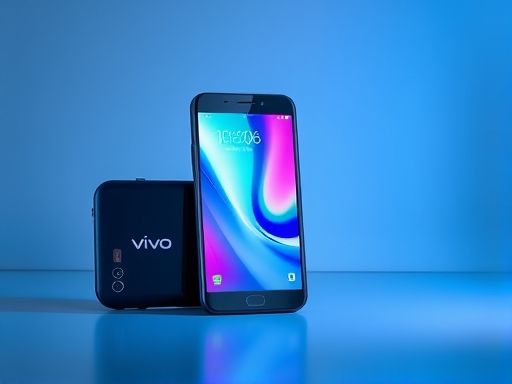
vivo
1. Go to the Settings app on your vivo device.
2. Scroll down and tap on Display & Brightness.

smart
4. From there, you can choose different font styles and adjust the font size to your liking.
5. After making your selections, tap on the back button to save the changes.
Note: Some vivo smartphones may have slightly different steps to change the font settings.
Copyright © 2025 IZhiDa.com All Rights Reserved.
知答 版权所有 粤ICP备2023042255号