Word
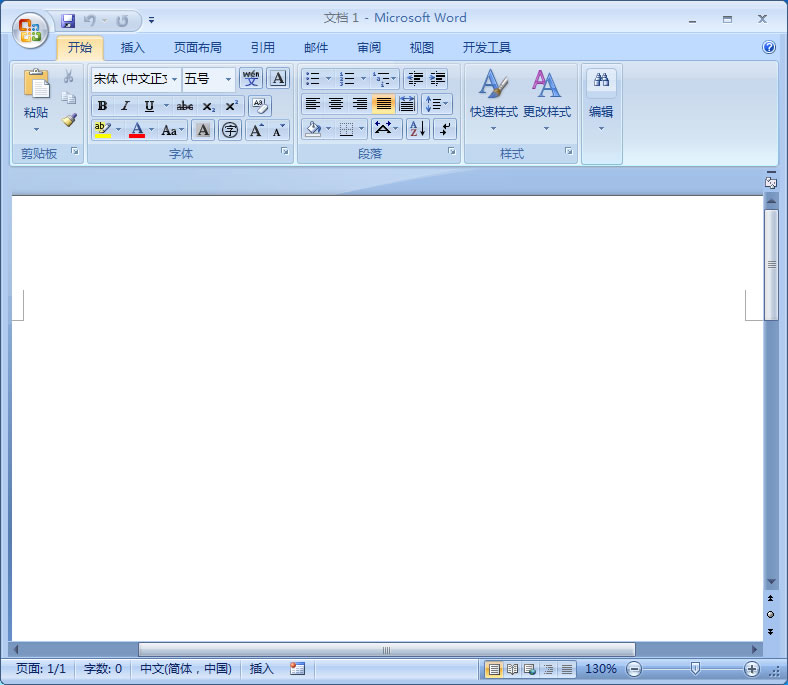
为了方便在word中快速使用MathType,我们会在工具栏加载MathType,这样在word中就出现了冲突,导致复制粘贴功能无法使用。更多MathType常见问题的解决方法可以访问MathType中文官网。
1、在MathType的安装目录下找到 MathPage.wll(在MathPage文件夹中) 和 MathType Commands 6 For word.dotm( 在 Office Support文件夹中)两个文件。
2、在确保word关闭的情况下, 复制MathType Commands 6 For word.dotm到C:Program Files(x86)Microsoft OfficeOffice12STARTUP中。
3、 将MathPage.wll复制到C:UsersyukiAppDataRoamingMicrosoftwordSTARTUP中 。
注意事项:
1、Office安装目录不是固定的,用户可以根据自己的安装目录找到STARTUP文件夹中。
2、如果在 C:Program FilesMicrosoft OfficeOffice12STARTUP中,含有MathType Commands 6 For word.dot,那么就会出现无法粘贴的现象 。
Copyright © 2025 IZhiDa.com All Rights Reserved.
知答 版权所有 粤ICP备2023042255号