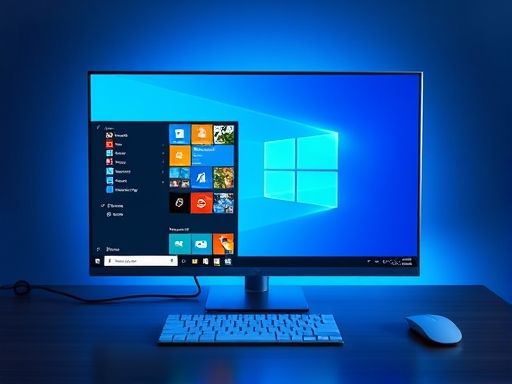
Win10
1、首先按下win+R”键,调出运行菜单。在里面输入regedit”。
2、进去以后找到HEKY_LOCAL_MACHINE文件夹。
3、然后依次展开文件夹下的子目录:HKEY_LOCAL_MACHINE/SOFTWARE/Microsoft/WindowsNT/CurrentVersion/SoftwareProtectionPlatform。
4、点击SoftwareProtectionPlatform目录,在其右侧面板双击打开BackupProductKeyDefault文件。
5、在下面的数值数据显示的即为本机Win10的产品密钥。

