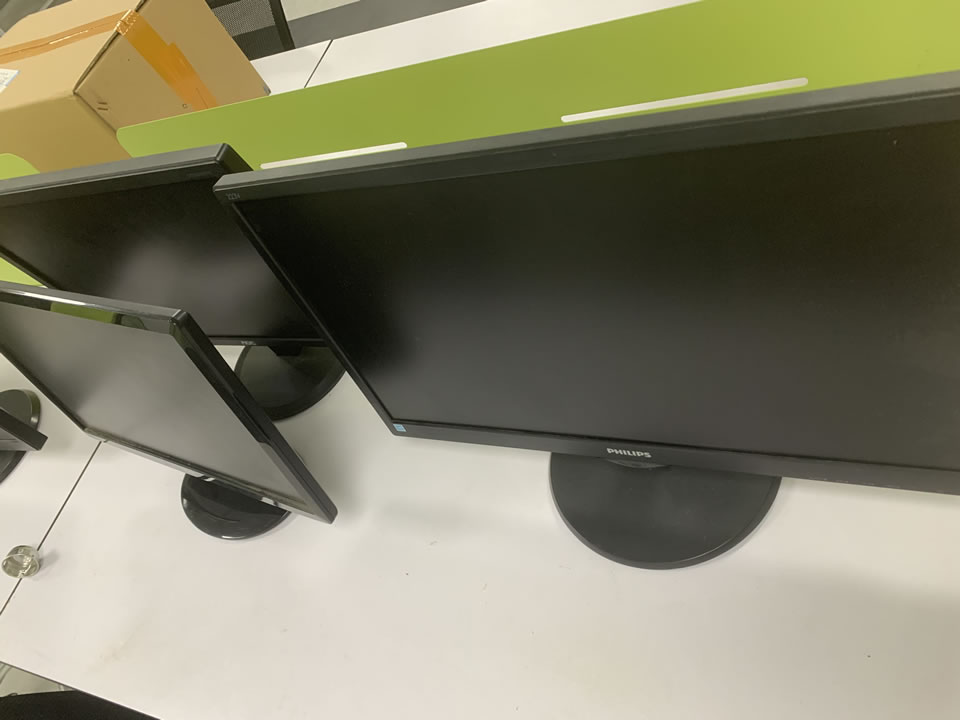
显示器
装了linux之后在windows下用的好好的显示器有时进到linux的xwindows里后就歪掉了,调整好之后回到windows后windows的桌面也外调了,来回启动系统每次都要调整很麻烦的,这里介绍一个办法一劳永逸。
j进入linux启动x在xterm里执行xvidtune,会弹出这个软件的窗口,点Auto然后点Left,Right等按钮调整显示器到最佳的位置,然后点界面上的Show按钮会得到类似这样的输出:
1152x864 121.50 1152 1232 1360 1568 864 865 868 911 +hsync -vsync
然后退出这个软件,修改你的/etc/X11/XF86Config-4文件在
Section Monitor
Identifier AS 786T
VendorName Unknown
ModelName Unknown
HorizSync 30 - 87
VertRefresh 50 - 160
Option dpms
EndSection里加上刚才的输出:
Section Monitor
Identifier AS 786T
VendorName Unknown
ModelName Unknown
HorizSync 30 - 87
VertRefresh 50 - 160
Modeline 1152x864 121.50 1152 1232 1360 1568 864 865 868 911 +hsync -vsync
Option dpms
EndSection
保存然后重启。
Copyright © 2025 IZhiDa.com All Rights Reserved.
知答 版权所有 粤ICP备2023042255号