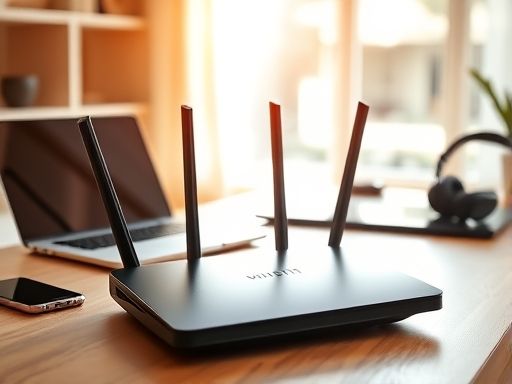
路由器
路由器的密码恢复
1.开机按住ctrl和break

word
3.copy startup-config running-config 将启动文件加载到当前运行配置文件
4.修改密码
5.config-register 0x2102 修改寄存器的值为0x2102即加载配置文件
6.copy startup-config running-config /*保存配置文件*/
路由器的密码使用service password-encryption 加密
交换机的密码恢复
1.重新启动交换机
2.接通电源后按住mode键,当出现mode:时
3.使用flash_init初始化flash
4.将config.txt变为config.old
switch:rename flash:config.txt flash:config.old
5.重新启动交换机
boot
6.把配置文件的名称改回来
switch# rename flash:config.old system:config.txt
7.手动加载配置文件
switch# copy flash:config.txt system:start-config.txt
8.修改密码
9.保存
Copyright © 2025 IZhiDa.com All Rights Reserved.
知答 版权所有 粤ICP备2023042255号