
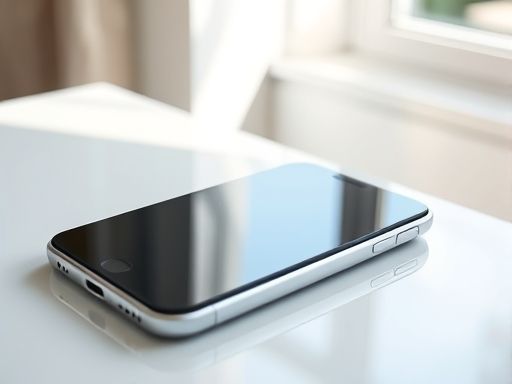
iphone
tell application "Apple Configurator 2" set newProfile to make new configuration profile with properties {name:"企业配置文件", supervise:true} tell newProfile set organization to "企业名称" set description to "用于企业设备管理的配置文件" set allowPAIring to false set allowActivationLock to false set allowUserPAIring to false set allowAppleWatchPAIring to false set allowUIConfigurations to false set allowSupervisedUserEnrollment to false set allowSupervisedRestrictions to true set allowSupervisedAppLock to true set allowSupervisedAppConfiguration to true set allowSupervisedMediaSync to true set allowSupervisedCloudSync to true set allowSupervisedHomeScreenLayout to true set allowSupervisedWallpaper to true set allowSupervisedClassroom to true set allowSupervisedNotifications to true set allowSupervisedManagedAppsCloudSync to true set allowSupervisedManagedAppsDataRoaming to true set allowSupervisedManagedAppsCellularData to true set allowSupervisedManagedAppsUninstall to true set allowSupervisedManagedAppsPAIring to true set allowSupervisedManagedAppsAutonomousSingleAppMode to true set allowSupervisedManagedAppsWebContentFilter to true end tellend tell移动设备管理的最佳实践- 制定安全策略:企业应制定相应的安全策略,包括设备密码要求、数据加密、应用程序白名单等,以确保企业数据的安全性。- 定期更新设备和软件:企业应定期更新设备的操作系统和安装的应用程序,以获取最新的安全补丁,减少潜在的安全风险。- 培训员工:企业应向员工提供相关的培训,教育他们在使用移动设备时的注意事项和安全意识,减少人为疏忽导致的安全问题。移动设备管理在iphone企业部署中起着重要作用,可以帮助企业提高数据安全性、管理效率和员工工作效率。通过制定安全策略、定期更新设备和软件以及培训员工等最佳实践,企业可以更好地管理和保护移动设备。Copyright © 2025 IZhiDa.com All Rights Reserved.
知答 版权所有 粤ICP备2023042255号
