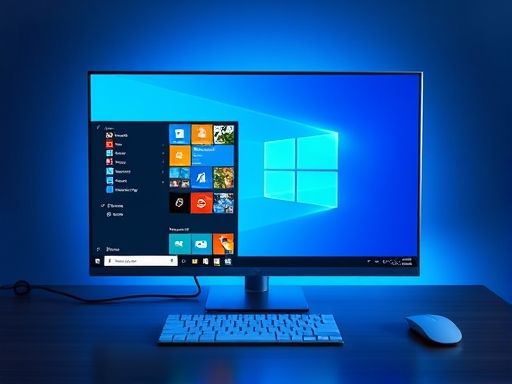
Win10
具体方法如下:
1、建立txt文档,把下面的一小段 代码 复制到记事本中保存

微软
$name = AppsUseLightTheme
$exists = Get-ItemProperty -Path $regkey -Name $name -ErrorAction SilentlyContinue
If (($exists -ne $null) -and ($exists.Length -ne 0)) {
Remove-ItemProperty -Path $regkey -Name $name
}else{
New-ItemProperty -Path $regkey -Name $name -Value 0
}
2、将txt文档后缀改为ps1
3、右键单击ps1文件,选择使用PowerShell运行即可切换到黑色主题模式。再次运行可恢复。
需要说明的是,当开启黑色主题模式后, 激 活状态下的设置窗口标题栏也会显示为黑色,会导致标题栏中的按钮和字体无法看清楚。大概这功能还处在测试阶段,并没有开发完成,因此 微软 没有提供相应的开关。
Copyright © 2025 IZhiDa.com All Rights Reserved.
知答 版权所有 粤ICP备2023042255号