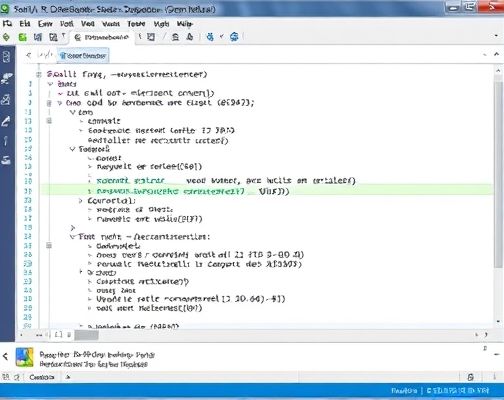
VBA
Dim i As Table, N As Integer
On Error Resume Next 忽略错误

word
For Each i In ActiveDocument.Tables 在表格中循环
With i
.Style = 列表型 4 将所有表格设置为列表型4的样式
With .Borders 边框
.InsideLineStyle = wdLineStyleSingle 设置内部边框线条
End With
With .Rows(1).Borders(wdBorderBottom) 第一行的底边框
.LineStyle = wdLineStyleDouble 双线型
.LineWidth = wdLineWidth050pt
.Color = wdColorAutomatic
End With
If .Rows.Count1 Then如果表格行数大于1
If Len(.Cell(2, 1).Range) = 2 Then 如果第二行第一列不为空
With .Rows(2).Shading 设置底纹
.Texture = wdTextureNone 无底底纹
.ForegroundPatternColor = wdColorAutomatic
.BackgroundPatternColor = wdColorGray125
End With
End If
End If
For N = 2 To .Columns.Count 从第二列到最后一列
.Columns(N).Select 单元格对齐方式为中部居中
Selection.ParagraphFormat.Alignment = wdAlignParagraphCenter
Selection.Cells.VerticalAlignment = wdCellAlignVerticalCenter
Next N
End With
Next i
Application.ScreenUpdating = True
以上的代码功能为:表格集合中的循环与对单元格边框的设置。
Copyright © 2025 IZhiDa.com All Rights Reserved.
知答 版权所有 粤ICP备2023042255号