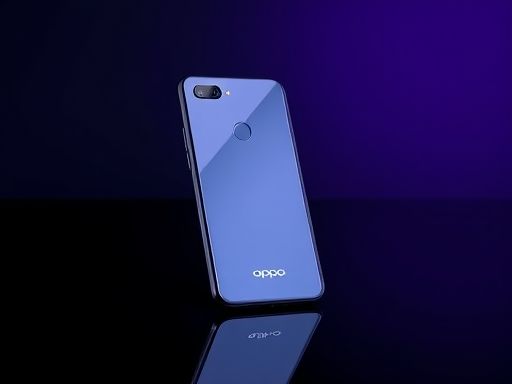
OPPO
2、进入Recovery模式后会看到几排英文(部分机型是中文):---reboot system now ---apply SDcard:update.zip ---wipe data/factory reset---wipe cache partition ---install zip from SDcard ---backup and restore ---advanced
3、按音量+ - 键 上下移动,选择 -wipe cache partition 按关机键确认。然后选择YES,按关机键确认,这样就恢复出厂设置了。

手机
5、这样操作后手机就恢复了出厂设置,可以开机了。
Copyright © 2025 IZhiDa.com All Rights Reserved.
知答 版权所有 粤ICP备2023042255号