VBA
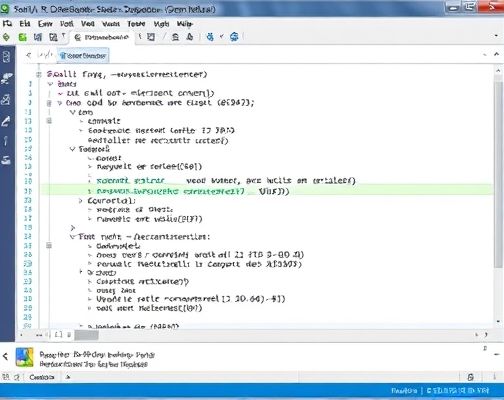
123456789101112131415161718192021 Sub 汇总数据() Dim r&, c&, Filename$, wb As Workbook, sht As Worksheet, erow&, fn$, arr As Variant r = 1 '表头所在行号 c = 1 '表头包含列数 Range(Cells(r + 1, 1), Cells(65536, c)).ClearContents '清除要保存数据区域的内容 Application.ScreenUpdating = False Filename = Dir(ThisWorkbook.Path & \*.xlsx) Do While Filename If Filename ThisWorkbook.Name Then erow = Range(A1).CurrentRegion.Rows.Count + 1 fn = ThisWorkbook.Path & \ & Filename Set wb = GetObject(fn)'隐藏方式打开工作簿 Set sht = wb.Worksheets(1) arr = sht.Range(sht.Cells(r + 1, 1), sht.Cells(65536, 1).End(xlUp).Offset(0, c - 1)) Cells(erow, 1).Resize(UBound(arr, 1), UBound(arr, 2)) = arr wb.Close False End If Filename = Dir '取得其他工作簿名称 Loop Application.ScreenUpdating = TrueEnd Sub
Copyright © 2025 IZhiDa.com All Rights Reserved.
知答 版权所有 粤ICP备2023042255号