2022-05-13 12:51
Word
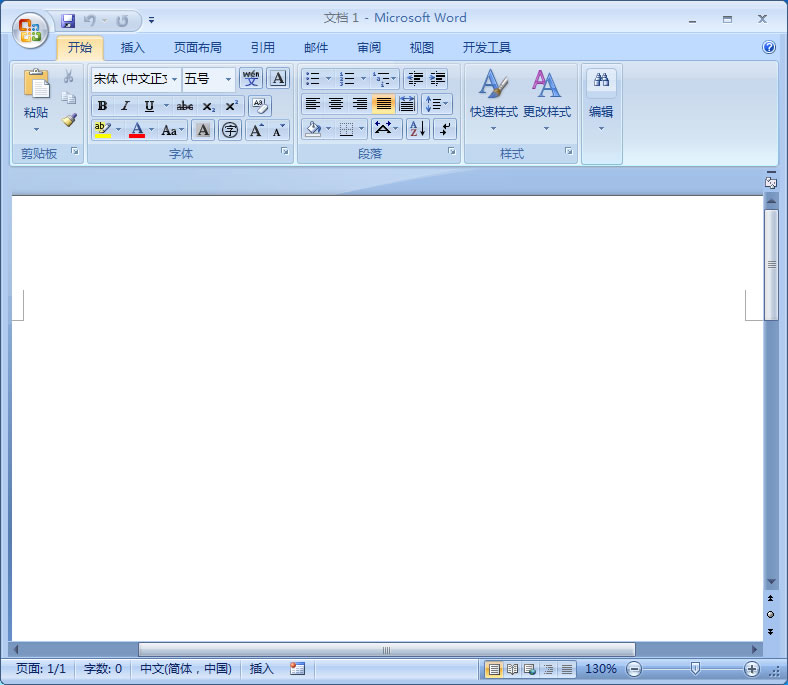
word文档设置分页的步骤:
1、在word文档中,选择打开文档内容。
2、将光标移动到需要插入分页符处。
3、在插入中,在页面设置中,选择分隔符。
4、在分隔符选项中,选择分页符即可在word文档中设置分页。
关于我们|免责条款|版权声明|侵权举报|隐私政策|联系我们
Copyright © 2025 IZhiDa.com All Rights Reserved.
知答 版权所有 粤ICP备2023042255号