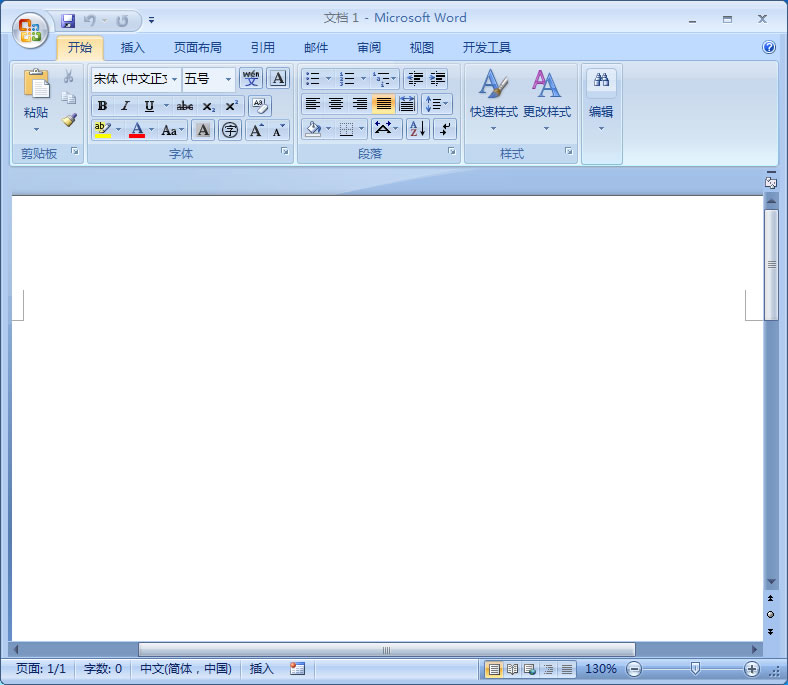
word
bashWindows Registry Editor Version 5.00[HKEY_CLASSES_ROOT.doc]@="word.Document.8""Content Type"="application/msword"
[HKEY_CLASSES_ROOT.docOpenWithList][HKEY_CLASSES_ROOT.docOpenWithListwordPad.exe]
[HKEY_CLASSES_ROOT.docPersistentHandler]@="{98de59a0-d175-11cd-a7bd-00006b827d94}
[HKEY_CLASSES_ROOT.docShellNew][HKEY_CLASSES_ROOT.docword.Document.6][HKEY_CLASSES_ROOT.docword.Document.6ShellNew]"FileName"="winword.doc"
[HKEY_CLASSES_ROOT.docword.Document.8][HKEY_CLASSES_ROOT.docword.Document.8ShellNew]"FileName"="winword8.doc"
[HKEY_CLASSES_ROOT.docwordDocument][HKEY_CLASSES_ROOT.docwordDocumentShellNew]"FileName"= "winword2.doc"
[HKEY_CLASSES_ROOT.docwordPad.Document.1][HKEY_CLASSES_ROOT.docwordPad.Document.1ShellNew]"NullFile"
2. 双击刚才创建的注册项,弹出“是否确认要将***.reg中的信息添加到注册表”提示框。点击“是”后,系统会自动添加这些信息到注册表中。3. 最后,在文件资源管理器的右键菜单中,应该可以看到新增的“新建word”选项了。以上就是将word文档右键菜单中新增“新建word”选项的方法。希望对您有所帮助!
Copyright © 2025 IZhiDa.com All Rights Reserved.
知答 版权所有 粤ICP备2023042255号