
excel
如果excel文件的打开密码忘记了,且密码是7位数以内的数字,可用以下步骤解开:关闭所有程序(为了速度),新开一excel,同时按alt和f11,进入VBA界面,点菜单上的插入,模块,在新出来的窗口粘贴一下代码:sub crack()dim i as longdim filename as stringi = 1filename = application.getopenfilename("excel文件(*.xls & *.xlsx),*.xls;*.xlsx", , "VBA破解")filename = right(filename, len(filename) - instrrev(filename, ""))application.screenupdating = falseline2: on error goto line1workbooks.open filename, , true, , imsgbox "password is " & iexit subline1: i = i + 1resume line2application.screenupdating = trueend sub
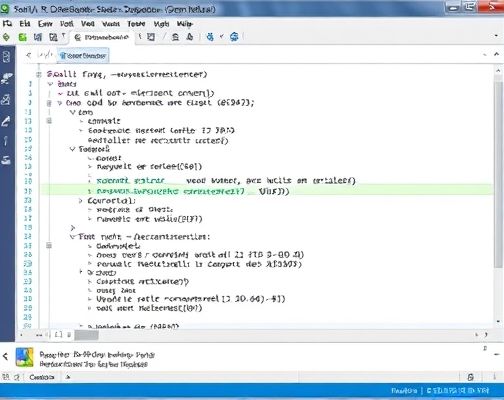
VBA
如果有字母,稍微复杂些,道理是类似的。太长的密码,基本解不开了。
若果还有读写密码,且与打开密码一样,将workbooks.open filename, , true, , i 改为workbooks.open filename, , true, , i, i
Copyright © 2025 IZhiDa.com All Rights Reserved.
知答 版权所有 粤ICP备2023042255号