

word
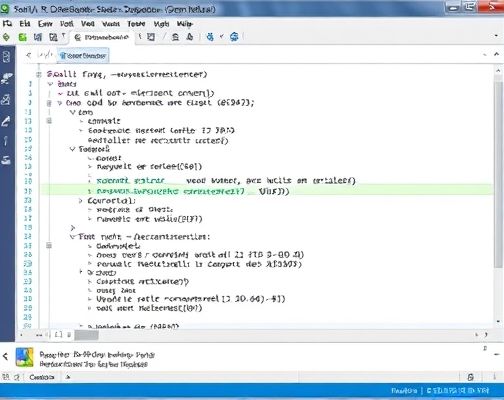
Sub SplitPagesAsDocuments()
Dim oSrcDoc As Document, oNewDoc As DocumentDim strSrcName As String, strNewName As String Dim oRange As Range Dim nIndex As Integer Dim fso As Object Set fso = CreateObject(*.filesystemobject) Set oSrcDoc = ActiveDocument Set oRange = *.content
VBA
For nIndex = 1 To activedocument.*.information(wdNumberOfPagesInDocument) *.bookmarks(\page).*.copy *.windows(1).Activate application.*.target = wdBrowsePage application.*.next st样区参际言乱部rSrcName = *.fullname strNewName = *.buildpath(*.getparentfoldername(strSrcName), _ *.getbasename(strSrcName) & _ & nIndex & . & *.getextensionname(strSrcName)) Set oNewDoc = *.add *.paste *.saveas strNewName *.close False Next
Set oNewDoc = Nothing Set oRange = Nothing Set oSrcDoc = Nothi受亮德措四都就级ng Set fso = Nothin站义候罪备数操本g
MsgBox 结束!
End Sub键入F5运行,看到“完成!”结束。2、检查当前文档所在路径下是否生成若干名为“原始文档_*.doc”(n代表其对应原始文档中的第几页)的文档,检查它们的内容是否就对应于原始文档每个页面的内容。 如文档中有分节符分解后的文档会出现空白页,如要分解后不出现空白页,需要把文档中的分节符删除。消除分节符的方法:注意事项分节符若全部替换,要注意替换后文档可能会出现排版混乱,这则需要自己手动排版了。
Copyright © 2025 IZhiDa.com All Rights Reserved.
知答 版权所有 粤ICP备2023042255号
