VBA
WPS2012表格中没有提供直接使用数据透视表的功能,但是可以通过其他方式来实现类似的效果。一种方法是使用宏功能,在WPS表格中录制一个宏,将数据透视表拖动到工作表上,并将其命名为“数据透视表”。另一种方法是使用
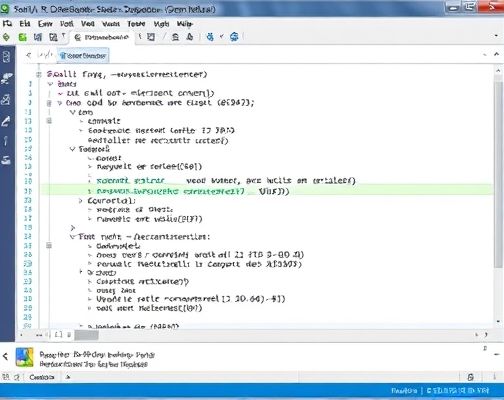
VBA编程语言来实现数据透视表。首先,在WPS表格中打开开发者选项卡,然后点击“插入”->“模块”,在弹出的对话框中粘贴以下代码:Sub CalculatePivotTable()'Declare variablesDim ws As WorksheetDim pt As PivotTableDim c As Range'Loop through each sheetFor Each ws In ThisWorkbook.Sheets'Loop through each cell in the sheetFor Each c In ws.Cells'Check if the cell is a data pointIf c.Value "" Then'Create a new pivot tableSet pt = ws.PivotTable(c.XlSourceColumnIndex, c.XlSourceRowIndex)'Add a new row to the pivot tablept.Rows.Add c.XlSourceRowIndex, "Pivot Table Row", "Pivot Table Column"'Loop through each row in the pivot tableFor Each i In pt.Rows(1).Item(1).Items(1).Children'Loop through each value in the columnFor Each v In i.Range(1,1).Values'Check if the value is a numberIf IsNumeric(v) Then'declare variablesDim n As Long'n = value converted to numbern = Val(v)'Create a new data point'declare variablesDim o As Object'declare variablesSet o = Array("A", "B")'Loop through each value in the arrayFor Each t In o'Check if the value is less than or equal to zeroIf n

